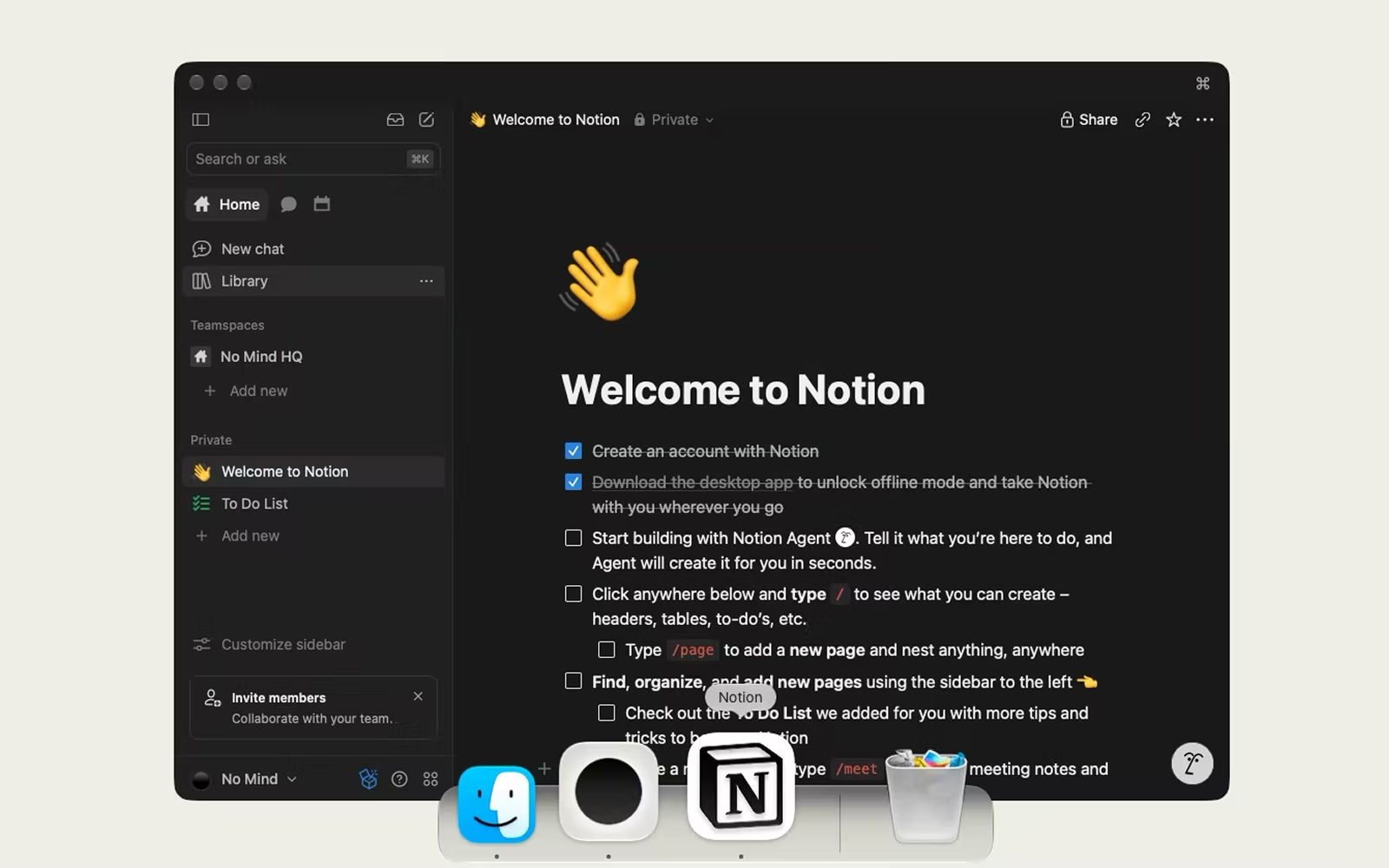
Web apps
Keep a site you use every day in the Dock as its own app, with a simple toolbar and settings of its own.
Light. Fast. Quiet.
Satori runs on WebKit, the engine behind Safari. It brings no engine of its own.
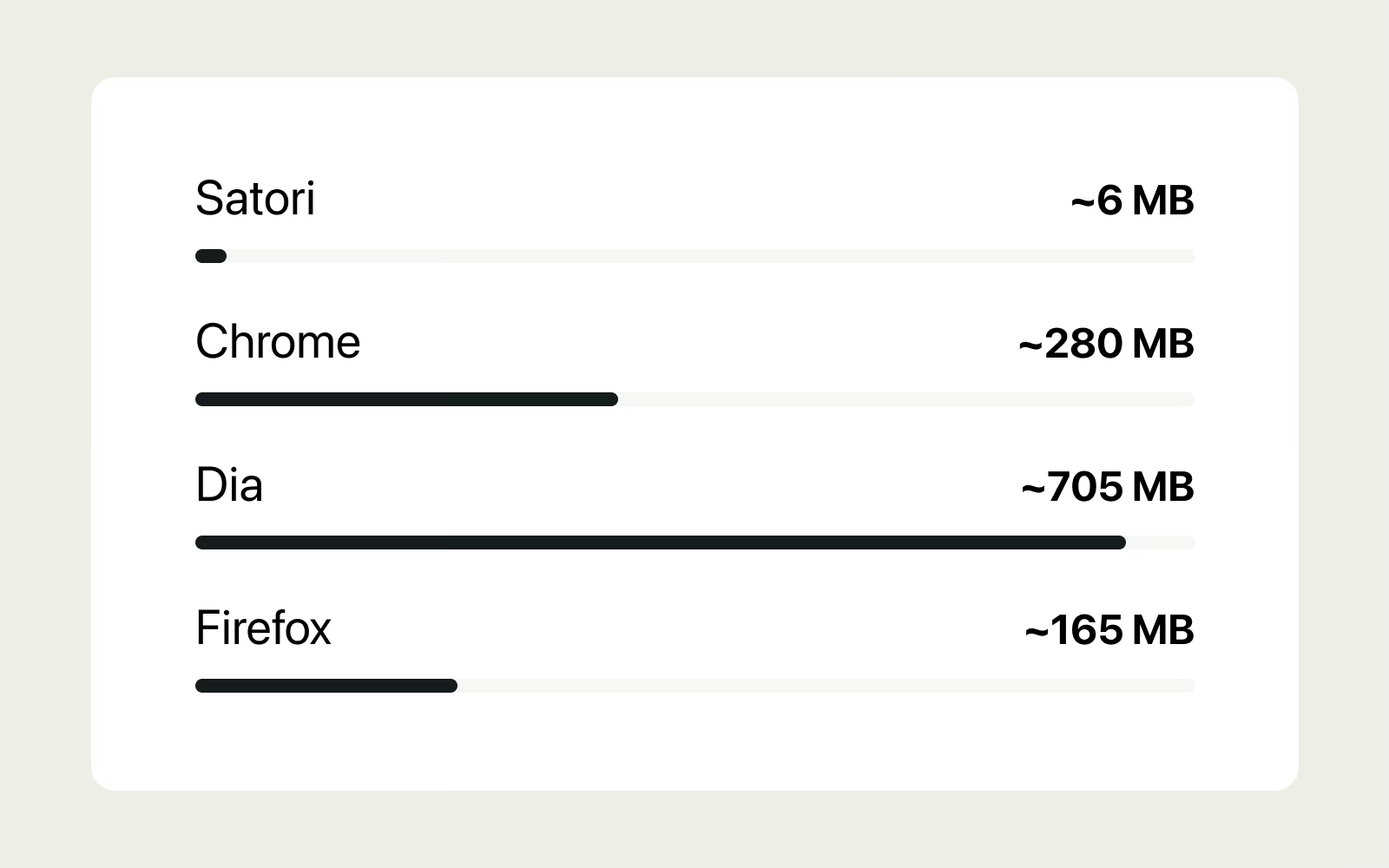
Satori.dmg is about 6 MB. More with less code. Satori keeps optimizing, because less code means a faster browser.
Point at a link and Satori opens a connection to the site ahead of time, without loading the page. In a new tab, start typing and Satori loads the page you most likely want from your history.
Hidden tabs slow down, and idle ones sleep after half an hour, unless you keep them awake or they have paused media.
Satori takes on the color of the site you're on, and remembers it. Spaces and the tab layout are yours to set.
Keep work, study and the rest apart, up to nine per window. Each Space stays as you left it. Switch between them with ⌘1 to ⌘9.
The top bar and sidebar take on each site's color and remember it. The window behind the page matches.
Satori answers cookie banners with no, or with only what the site needs, and the page opens without them. A site can be left out with the Shield button next to the address.
While you read, Focus steps the tabs and the bar aside and the page gets the whole window. Reading mode leaves only the article. Soundscapes cover the noise around you.
The tabs and the bar step aside, and the page has the window to itself. Point at the edge to bring them back. Press ⌃⌘S to turn it on.
Nine sounds, from Focus to Nature, plus binaural tones. They fade out when a tab plays sound.
Satori finds the article on the page and sets it in the theme and text size you like, with nothing around it. Press ⇧⌘R on the page. For a long read, Summary then gives you the short version in the article's language or yours, written on your Mac.
There is no account, no sync, and no telemetry. Your history, tabs, and bookmarks stay on your Mac, encrypted.
What you do in Satori is never studied, sold or used to train AI. There is no profile of you on a server to build it from.

Shield is part of Satori, not an extension. It stops ads and trackers at the network level, before they reach the page. It is on by default, and you can turn it off for a site.


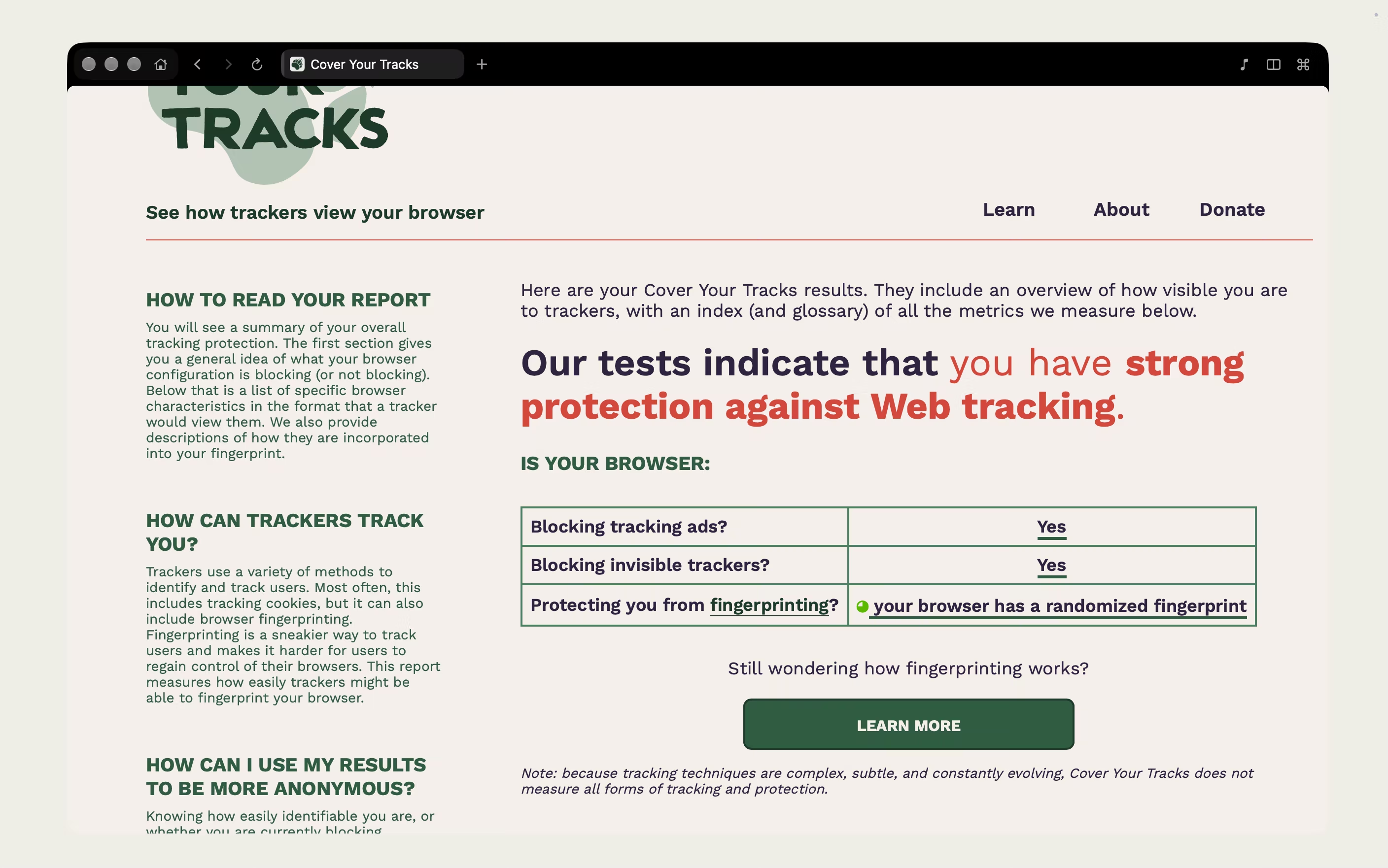
Copy Address strips tracking tags from the links you share. On the EFF's Cover Your Tracks test, Satori blocks tracking ads and invisible trackers, and WebKit keeps the fingerprint randomized. Run the test yourself.
Keep a site you use every day in the Dock as its own app, with a simple toolbar and settings of its own.

Bring your bookmarks and passwords from Chrome, Arc, Dia, Brave, Edge, Opera, and other Chromium browsers in a few clicks.
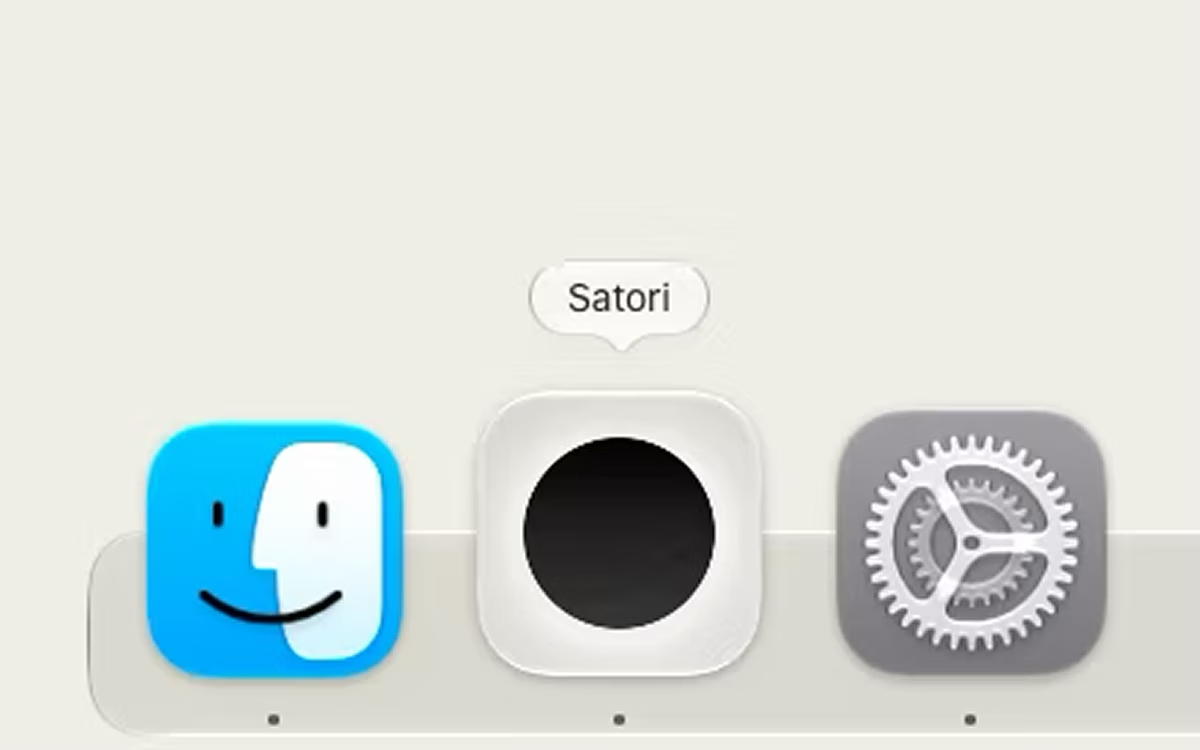
Put any picture in the Dock and the app switcher, one for the light look and one for the dark. Satori fits each into the shape of a Mac icon. Choose them in Settings › Appearance.
Click the tab you're on, or the empty strip beside the tabs, and the page scrolls back to its top.
In Reading mode, Satori writes a short summary of a long article, in its language or yours, and can read it aloud. Apple Intelligence writes it on your Mac.
Needs macOS 26 and Apple Intelligence.
Posts on what Satori does, and why.
Translate just the words you selected Select text, right-click, and read its translation in a small card, worked out on your Mac. Read the article
Fold the sidebar away Tabs down the left can now shrink to a narrow rail of icons, and open again to the width you chose. Read the article
Find the page by what it said History can search the text of pages you read, and the address field finds them too. The switch is off until you turn it on in Settings › Privacy. Read the article

Easier to live with A private tab now says what it keeps. The tab layout switches from a right-click. Focus can sit in the top bar. Read the article

Save a video from a page Right-click a video and choose Save Video. A video that streams in pieces is joined into one file in your downloads folder. Read the article
There is no sign-in and no sync. History, tabs, and bookmarks stay in files on your Mac.
Satori sends the pages you ask for, their icons, and update checks.
Signed with a Developer ID certificate and notarized by Apple.
History, tabs, bookmarks, downloads, and hidden elements are AES-GCM files. The key is in your login keychain. Settings, cookies, and caches are not encrypted.
Open the disk image, drag Satori into Applications, and launch it. Version 0.13.7 is the newest; see what changed.
Download Satori for MacSend to my Mac
Free. Requires macOS 15 or later on an Apple Silicon Mac.