Skip to content

Privacy

A browser that keeps your data to itself.

Your history, tabs, bookmarks, and passwords stay on your Mac. Satori keeps them in files only you can read, and it lists below what leaves the Mac.

Download Satori for MacSend to my MacSee what leaves your Mac

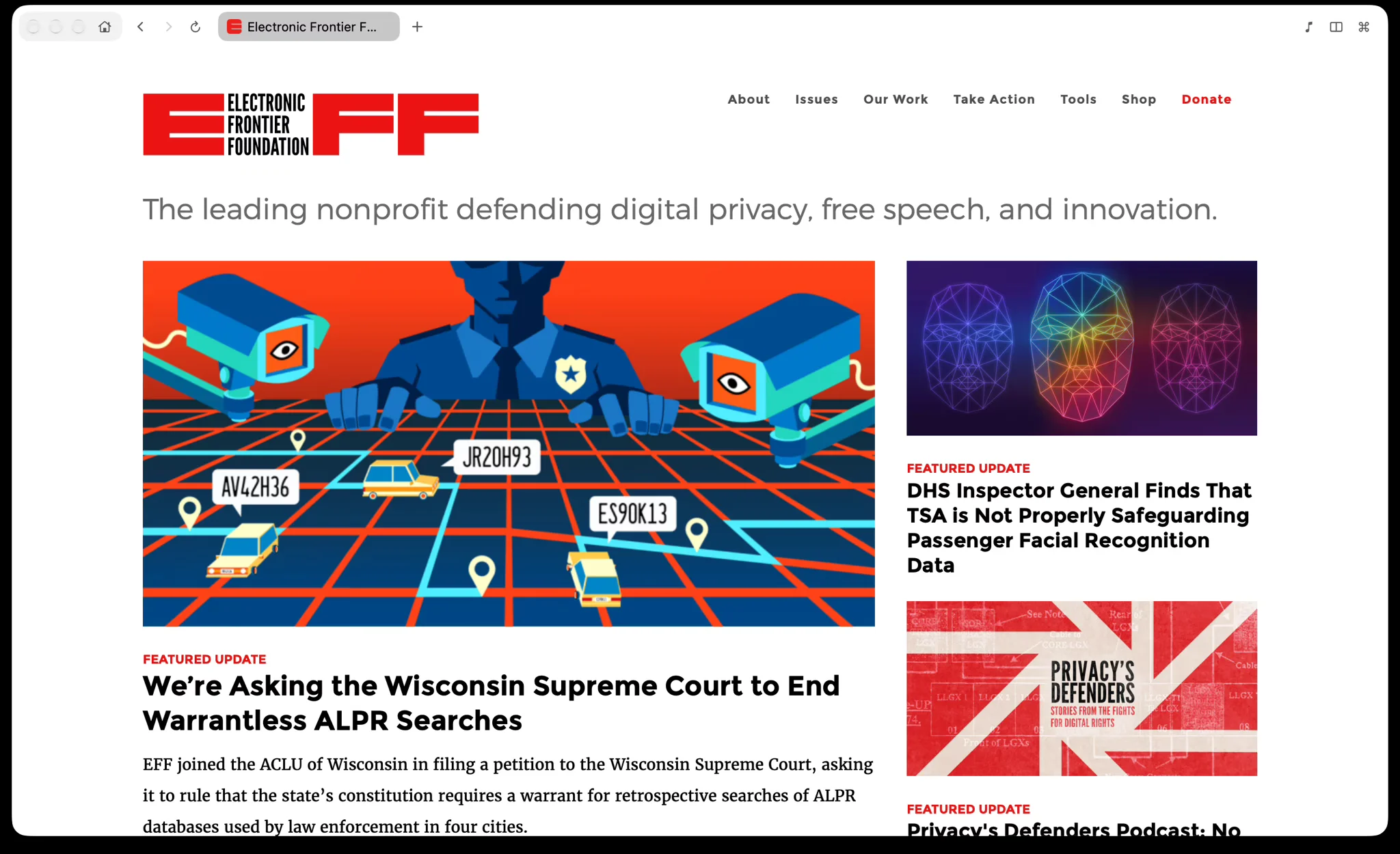
Satori window with one tab open on the Electronic Frontier Foundation website.

Your history and bookmarks are encrypted.

History, open tabs, bookmarks, downloads, and hidden elements are encrypted with AES-GCM. The key is kept in your login keychain, so they are protected from other apps and other macOS accounts. Settings, site icons, extensions, and the data websites store (cookies, caches) are not encrypted by Satori. Site icons are saved under names made with a keyed hash, and per-site settings such as colors, mute, and reading position are stored in macOS preferences under the same kind of hashed name, so neither lists the sites you visited. Sites where you paused the Shield blocker or chose never to save a password are listed by name in preferences.
Nothing to sign in to.

Satori has no account, so there is no profile on a server to store or share. Satori sends no telemetry, so it reports nothing about how you use it.

Ads and trackers, blocked by default.

Ads and trackers are blocked at the network level. The blocker, called Shield in the app, is on by default and can be turned off per site. It also stops heavy scripts the reader does not need, and it holds an embedded YouTube player until you press play. Satori does not turn off WebKit's own tracking protections.

Private tabs leave nothing behind.

A private tab turns the whole window dark while it is in front. It adds nothing to history, downloads, or bookmarks. The one exception is an element you hide in a private tab. That stays hidden the next time you open the site privately, under a hash of the site's name.

Strong protection against web tracking.

  • Tracking ads: blocked.
  • Invisible trackers: blocked.
  • Fingerprinting: randomized.

That is the result Satori gets on the EFF's Cover Your Tracks test. Run the test yourself.

Blocked before you change anything.

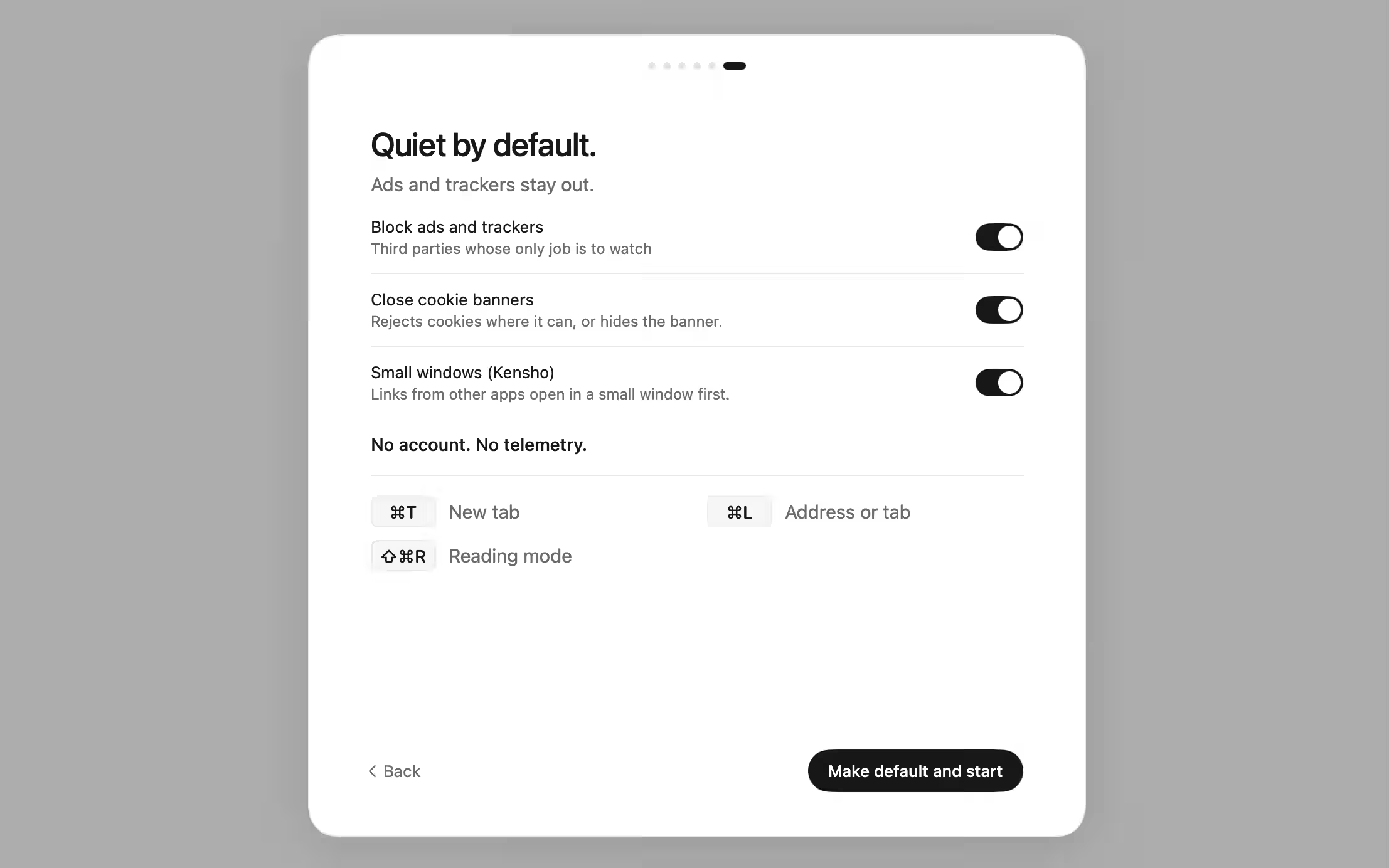
Ads and trackers are blocked and cookie banners are closed from the first page you open. The last step of the Welcome shows both, already on.

Yours to change.

Turn either off in that step, or later in Settings › Privacy & Security. Shield can also be paused for one site.

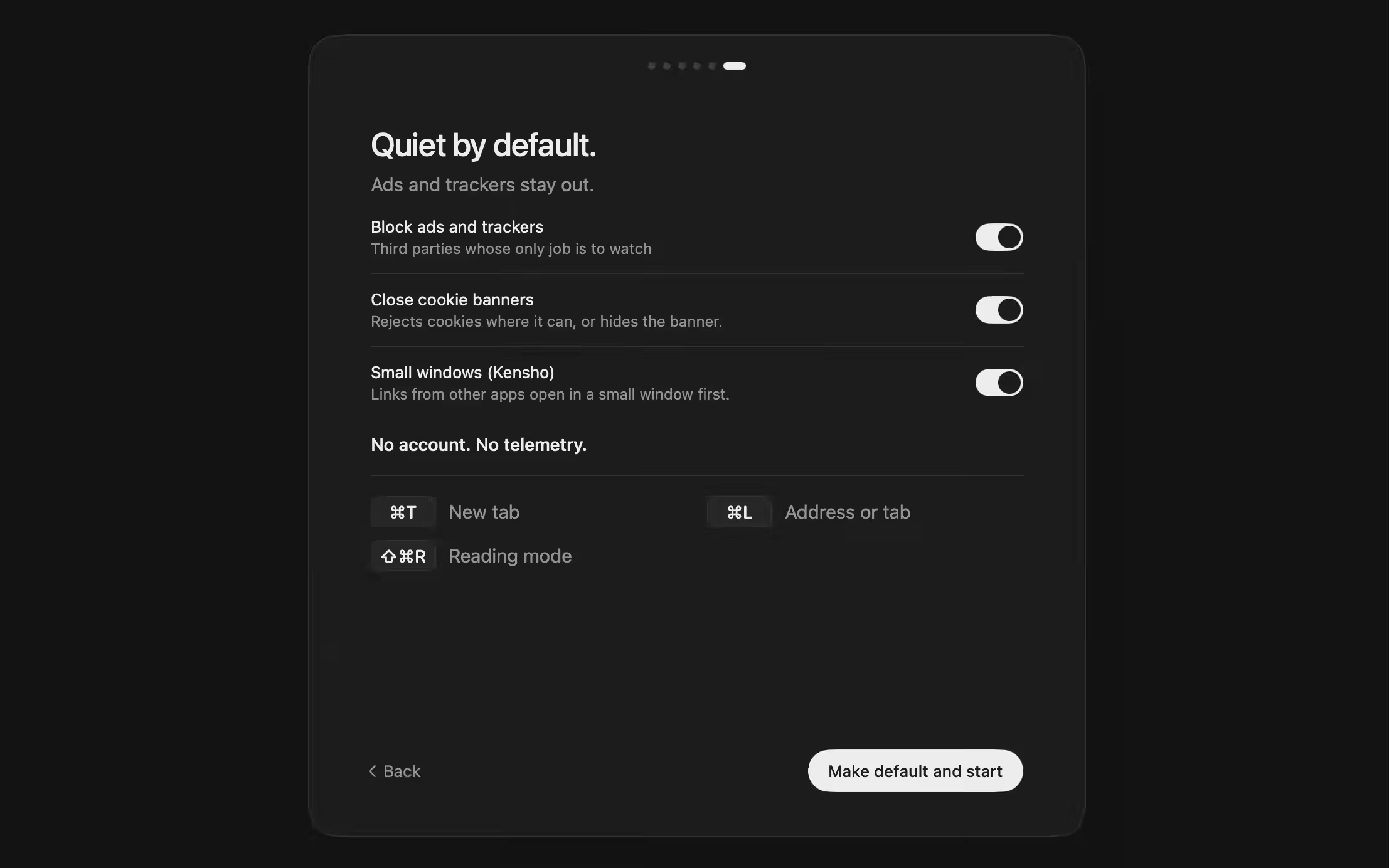
The last Welcome step, Quiet by default, with blocking and cookie banners onThe last Welcome step, Quiet by default, with blocking and cookie banners on

Passwords in the macOS keychain.

Saved passwords live in the login keychain. When you focus a sign-in box, Satori lists the accounts it has for that site, and a password fills in only after you click one. It does not fill a sign-in form on its own.

The exception is the sign-in dialog for a password-protected folder. When there is one saved login for that site, Satori answers the dialog over https, and "Don't ask again" stops the question.

Show and Copy in Passwords ask for Touch ID or your account password. A copied password is marked concealed, so clipboard managers skip it, and it is cleared after a minute unless you copy something else.

Passwords imported from another browser land in your own login keychain, labeled Satori. macOS asks once for permission to read that browser's keychain entry, and nothing is changed there.

Fingerprinting.

Sites can try to recognize you by the details of your browser, such as its screen and fonts. WebKit, the engine Satori runs on, keeps those details from adding up to you: on the Cover Your Tracks test, the fingerprint comes out randomized.

Links without tracking tags.

Copy Address (⇧⌘C) removes tracking tags and click IDs. Copy Original Address keeps them. ⌥⇧⌘C copies a Markdown link.

Russian sites that use a government certificate.

Many Russian sites, including Sber, Alfa-Bank, T-Bank, and Gosuslugi, use certificates from the Russian Ministry of Digital Development. macOS does not trust that root. Satori trusts it only for addresses ending in .ru, .su, and .рф. You can turn this off in Settings › Privacy & Security.

What stays on your Mac

  • Passwords: the login keychain, as internet passwords labeled Satori.
  • History, open tabs, bookmarks, downloads, and hidden elements: encrypted files under ~/Library/Application Support/Satori/.
  • Site icons and per-site settings such as colors, mute, and reading position: under keyed hashed names, in files and in macOS preferences. Settings, extensions and the data websites store (cookies, caches) are not encrypted by Satori.
  • Private tabs: nothing, except elements you hide.
  • Seeing or copying a saved password: asks for Touch ID or your account password. A copied password is marked concealed and cleared from the clipboard after a minute, if Satori is still open.
  • No account and no sync: there is nothing to upload your data to.
  • Translate, summaries, Apple Intelligence features, and the read-aloud system voices: run on your Mac. Soundscapes are composed there as they play.
  • Problems: if Satori runs into trouble, it writes a plain-text log, crash.log, in the Satori folder and sends it nowhere.
  • Clearing: History › Clear History, and Settings › Privacy & Security to clear history and cache or sign out of everything.

What leaves your Mac

  • Update checks go to brandkit.pro, which sees your IP address: about five seconds after launch, then once a day. The update itself downloads from GitHub, which also sees your IP address. Satori downloads updates in the background and installs them when you quit; the new version opens the next time you launch. You can turn automatic checks off in Settings › About.
  • A single word that is not in the dictionary is looked up in DNS with .com added, to see whether that site exists. Only the name is looked up. Search words are not sent before Return.
  • Pointing at a link can open a connection to that site early. Turn this off in Settings › Privacy & Security, under Connect ahead on hover.
  • Installing Bitwarden downloads it from Google's Chrome Web Store update service, which gets the extension's ID and a Chrome version string. About every 20 hours, Satori checks installed Chrome Web Store extensions for updates and sends each extension's ID and version. Other Chrome extensions are switched off for now.
  • These are the ones that matter most. macOS and WebKit make some requests of their own that Satori does not control. The full list is in the privacy policy, linked below.

How to set it up

Pause blocking for one site.

Press ⌘L on a page and click the Shield, left of the address. There you can pause blocking on that site, or switch off Close cookie banners for it.

Choose what to block.

Open Settings › Privacy & Security. Block ads and trackers and Close cookie banners are both on from the first launch.

Clear what Satori keeps.

In Settings › Privacy & Security, clear History, Cookies and sign-ins, or Cache. History › Clear History in the menu bar clears the history too.

Satori next to Chrome

ClaimSatoriChrome
Works without an accountThere is no accountSigning in is optional
Syncs bookmarks and passwords to an accountNo sync and no iCloudAfter you sign in with a Google Account
Blocks ads by defaultAds and trackers, on every site. You can turn it off per siteIntrusive ads, on sites with poor ad experiences
Fills in a sign-in form without a clickFills only after you click an account. The exception is the sign-in dialog of a password-protected folderWhen one sign-in is saved for the site

Sources: Chrome Help (support.google.com/chrome). Checked on November 2, 2026. Chrome details change with Chrome versions, regions, and settings.

Frequently asked questions

Does Satori collect any data about me?

Satori has no account and no telemetry. Apart from the pages you open, the list above shows the main requests Satori itself makes, and the privacy policy has the full list. Update checks go to brandkit.pro, which sees your IP address. macOS and WebKit make some requests of their own that Satori does not control.

What happens to my passwords if I import from Chrome?

Imported passwords are offered under the address field, like any saved password.

What does "encrypted" mean here?

Satori's history, tabs, bookmarks, downloads, and hidden elements are stored in files encrypted with AES-GCM. The key sits in your login keychain. Other apps and other macOS accounts are kept out by that key. Settings, site icons, extensions, and the data websites store (cookies, caches) are not encrypted by Satori.

Why does a Russian site show no certificate warning in Satori?

Satori trusts the Russian Ministry of Digital Development's root only for .ru, .su, and .рф addresses. It cannot vouch for any other site with that root. Turn it off in Settings › Privacy & Security.

Open the help centerRead the privacy policySee how Satori handles securitySee more questions